The Privacy Settings Worth Changing on Every Device You Own
Most of us spend a surprising amount of time setting up a new device and almost none checking its privacy settings. We choose a wallpaper, download our favorite apps, connect our email, sign into streaming services, and maybe change the ringtone. Meanwhile, dozens of settings quietly determine which apps can see our location, access our microphone, track our activity, read our contacts, or send information back to companies.
By Arturo Branch on September 11, 2026
Getty Images
Most of us spend a surprising amount of time setting up a new device and almost none checking its privacy settings.
We choose a wallpaper, download our favorite apps, connect our email, sign into streaming services, and maybe change the ringtone. Meanwhile, dozens of settings quietly determine which apps can see our location, access our microphone, track our activity, read our contacts, or send information back to companies.
That doesn’t mean your phone or laptop is secretly spying on you. Many permissions have perfectly legitimate purposes. A maps app needs your location to give directions. A video-call app needs your camera. A weather app may use your location to show the local forecast.
The problem is that apps and devices often have access to more information than they actually need.
You don’t have to become a cybersecurity expert to improve that. A few privacy settings make a much bigger difference than the rest.
Start with app permissions
The easiest place to begin is your device’s app permissions.
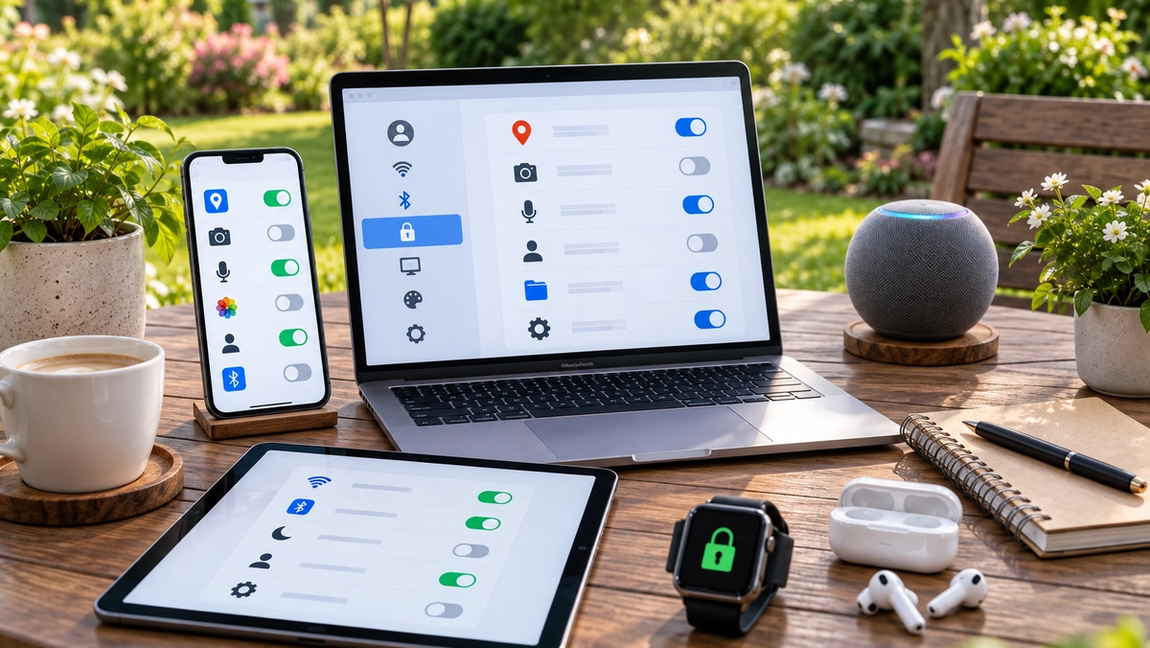
Modern phones and computers allow you to control which apps can access sensitive features such as your camera, microphone, contacts, photos, Bluetooth, and location.
Open your device’s privacy settings and go through these categories individually.
You may be surprised by what you find.
Does a shopping app really need your microphone? Does a simple game need your contacts? Does an app you haven’t opened in six months still need access to every photo you’ve ever taken?
If you can’t think of a reasonable reason an app needs a particular permission, turn it off.
You don’t have to get everything right immediately. If the app genuinely needs that permission later, it will usually ask you again.
Stop giving every app your exact location
Location access deserves special attention because it can reveal a lot about your daily life.
Some apps genuinely need precise location information. Navigation is the obvious example. A maps app can’t guide you effectively if it doesn’t know where you are.
But many apps don’t need to know your exact position all day.
Most modern smartphones give you several choices. An app might be allowed to access your location all the time, only while you’re using it, only once, or not at all. Some systems also let you provide an approximate location instead of your precise one.
For most apps, “while using” is a sensible default.
A restaurant app might need your location while you’re searching for nearby food. It probably doesn’t need to know where you are hours after you’ve closed it.
Go through your location permissions occasionally, especially after installing lots of new apps.
Turn off unnecessary ad tracking
A lot of online tracking exists for one simple reason: advertising.
Companies want to understand what you’re interested in so they can show you ads they think you’re more likely to click.
Phones, browsers, websites, and apps increasingly provide controls that can reduce this kind of tracking or personalization.
Look for settings with names such as “personalized ads,” “ad personalization,” “tracking,” or “cross-app tracking.”
Turning these features off doesn’t necessarily mean you’ll stop seeing advertisements. Usually, it means the ads you see will be less heavily based on information about your activity.
It’s also worth checking the privacy settings inside major accounts you use across multiple devices. A single account may connect activity from your phone, computer, smart TV, and other services.
Check what your browser remembers
Your web browser knows a lot about you.
It may store your browsing history, cookies, saved passwords, autofill information, downloads, and permissions you’ve granted to individual websites.
Start by reviewing website permissions.
Browsers can allow websites to request your location, send notifications, access your camera, or use your microphone. Over time, it’s easy to accumulate permissions you no longer remember granting.
Removing unnecessary ones takes only a few minutes.
You can also adjust cookie and tracking protections. Modern browsers generally include tools designed to limit at least some forms of cross-site tracking.
Private or incognito mode can also be useful, but don’t misunderstand what it does. It mainly prevents your browser from keeping certain local records of the session after you close it. It does not make you invisible online.
“Private browsing” is useful. “Anonymous browsing” is a much bigger claim.
Be careful with your lock screen
Privacy isn’t only about companies collecting data. Sometimes the person you need to keep information from is simply someone standing next to your phone.
Lock-screen notifications can reveal far more than people realize.
A message may appear with the sender’s name and the entire first sentence. Banking apps can display transaction information. Email notifications can reveal subject lines. Authentication codes can sometimes appear directly on screen.
Fortunately, most devices let you hide notification content until the device is unlocked.
You can still see that you received a message without displaying the message itself to anyone who happens to look at your phone.
And while you’re there, make sure your device actually has a strong screen lock enabled. Biometrics such as fingerprint or facial recognition can make a secure lock much less annoying to use.
Delete apps you don’t use
One of the simplest privacy tools is also one of the most overlooked: uninstalling things.
Every app on your device represents another company, account, collection of permissions, and potential source of data collection.
If you haven’t used an app for a year, ask yourself whether you really need it.
Deleting unused apps reduces clutter, but it also reduces the number of services potentially accessing information from your device.
The same principle applies to browser extensions.
Extensions can sometimes have surprisingly broad access to what you do in your browser. Keep the ones you trust and actually use. Remove the forgotten coupon finder you installed three laptops ago.
Don’t forget your smart TV and other devices
Your phone and laptop aren’t the only internet-connected devices collecting information.
Smart TVs, speakers, watches, tablets, fitness trackers, security cameras, and even some appliances have privacy settings.
Smart TVs are particularly easy to overlook.
Many include features designed to understand viewing habits so manufacturers or advertising partners can personalize recommendations and advertising. Depending on the device, you may find options related to viewing information, advertising IDs, voice recognition, or usage data.
Smart speakers deserve attention too. Check settings related to stored voice recordings, voice history, and whether recordings may be used to improve services.
The exact names vary between manufacturers, but the principle is the same: don’t assume the default is automatically the most private option.
Privacy doesn’t require disappearing from the internet
It’s almost impossible to use modern technology without sharing some information.
And that’s fine.
The goal doesn’t have to be achieving perfect digital anonymity. For most people, a much more practical goal is reducing unnecessary access.
Give apps the permissions they genuinely need. Limit location access. Reduce advertising tracking. Protect information on your lock screen. Remove software you don’t use. Check the privacy controls on devices you’ve probably forgotten are collecting data.
Most importantly, don’t treat privacy settings as something you configure once and never think about again.
Apps change. Devices update. New permissions appear. You install new services and forget old ones.
Spending ten minutes reviewing your privacy settings every few months can eliminate a surprising amount of unnecessary data sharing.
You don’t need to hide from technology.
You just shouldn’t give every piece of technology you own a backstage pass to your life.